Entra en TOTEM
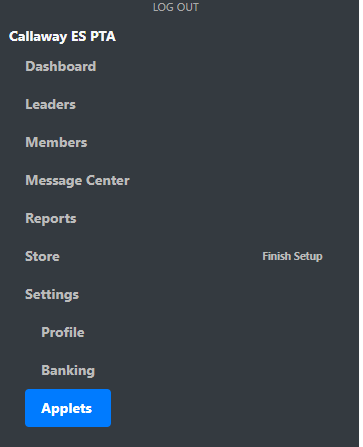
Go to Settings --> Applets
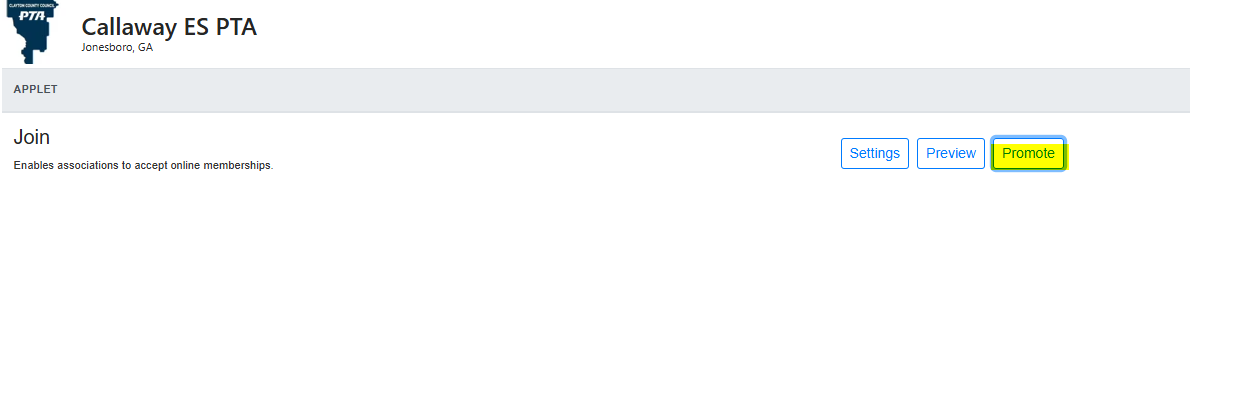
Haga clic en Promover
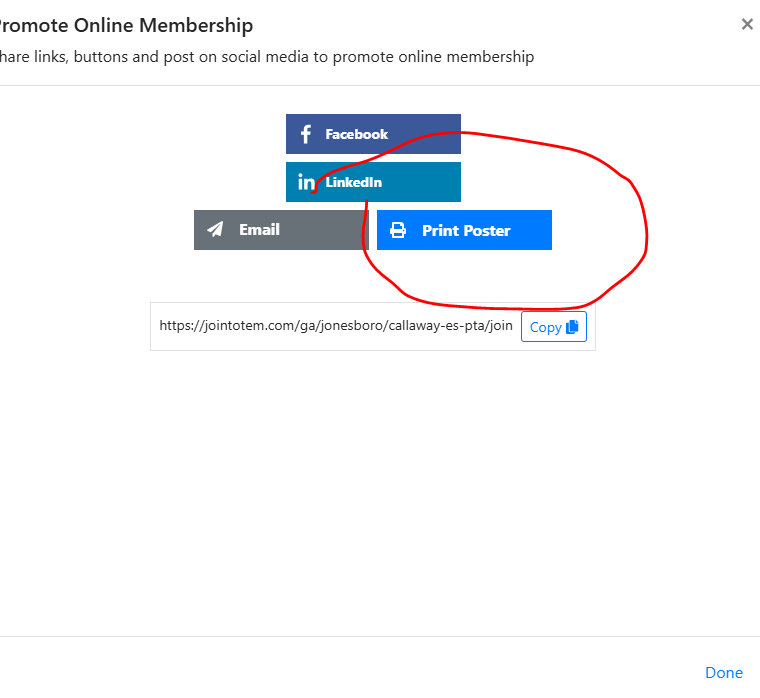
Click on Print Poster
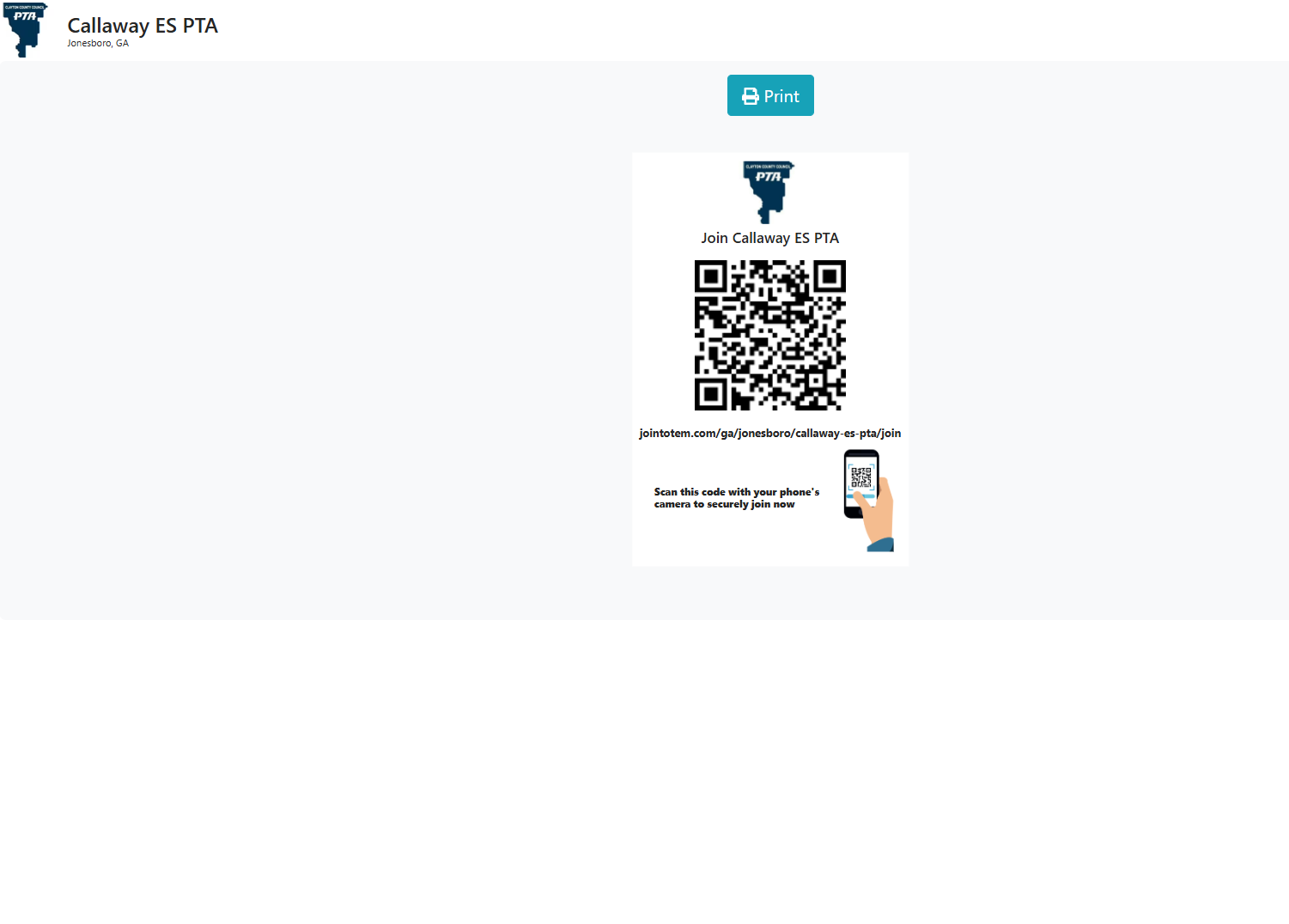
Click on Print to print your QR code Poster

Modified on: Thu, Aug 20, 2026 at 4:14 PM
Entra en TOTEM
Go to Settings --> Applets
Haga clic en Promover
Click on Print Poster
Click on Print to print your QR code Poster
¿Le ha sido útil? Sí No
Enviar comentarios